



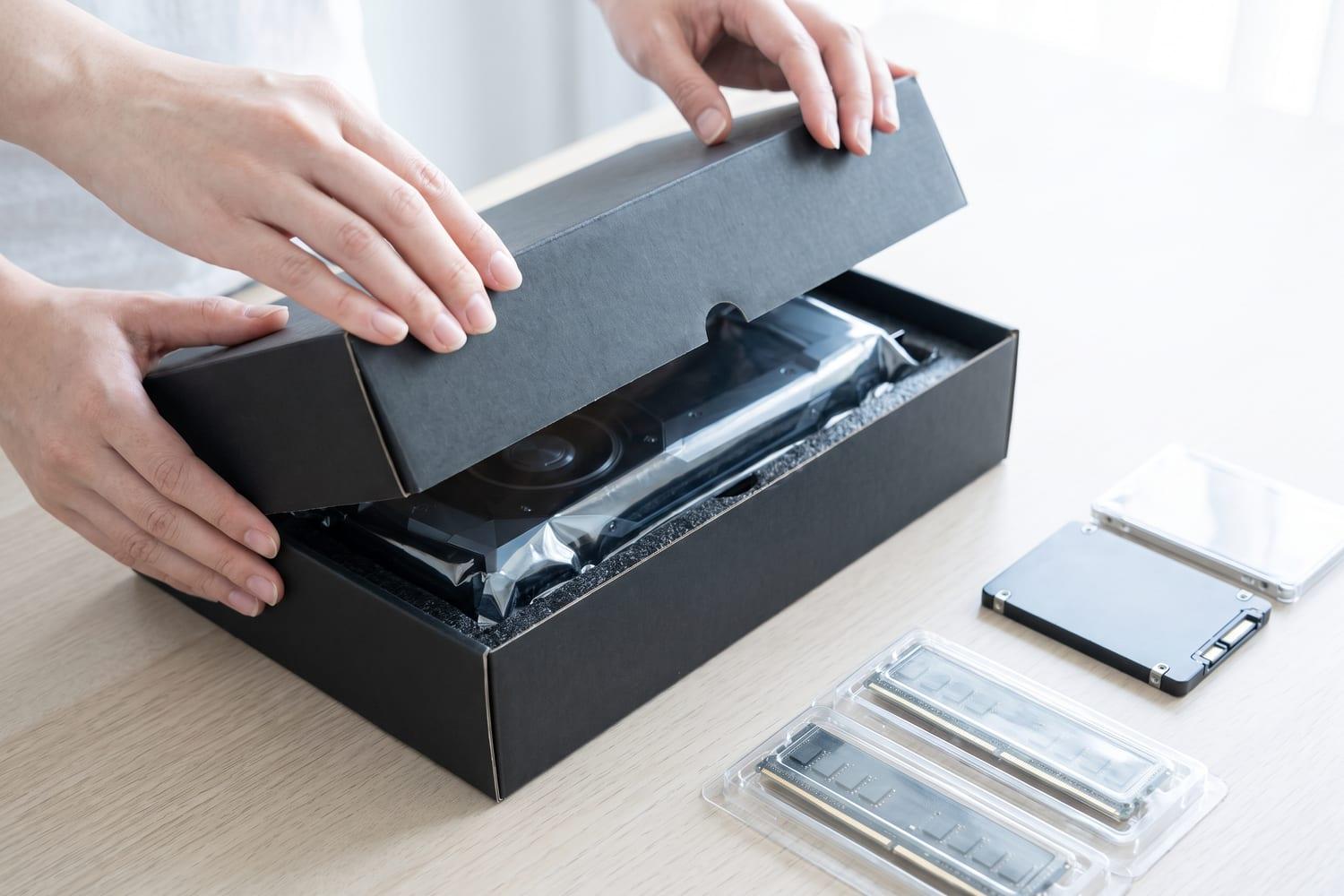
To source PC components and computer equipment in Mexico as a reseller, you register your company on a B2B platform, quote by part number, condition and quantity, and confirm a sales order before payment and dispatch. PHONIX has no operation in Mexico: it serves Mexican resellers from Miami through international distribution and quotes in 24 hours.
Key takeaways
- PHONIX sells only to businesses: PC builders, repair shops, integrators, resellers, distributors and companies, never to individual consumers.
- Mexico is served from the Miami headquarters through the PHONIX USA B2B platform, because PHONIX has no offices in the country.
- Components and desktop computers are quoted in the same account, so a bill of materials and a batch of desktops can travel in one order.
- Products are offered new and refurbished, according to availability in each category and market, and the quote states the condition of every line.
- Confirm import requirements with your customs broker before the first order.
What components and computer equipment do resellers in Mexico sell?
A computer reseller in Mexico usually serves two kinds of demand at once. On one side are customers who want to build, repair or upgrade a computer: gamers, content creators, repair shops and small companies that extend the life of their equipment. On the other side are customers who want equipment ready to work: offices, schools, clinics and businesses that need several identical computers.
These are the lines a reseller can quote through one B2B account:
| Line | Typical products | Typical customer | Where to browse |
|---|---|---|---|
| PC components | Processors, graphics cards, RAM, SSDs and drives, motherboards | PC builders, repair shops, gamers, integrators | Components on the PHONIX USA B2B platform |
| Desktop computers | Office desktops, all-in-ones, gaming desktops | Offices, schools, small businesses, retailers | Desktop computers on the PHONIX USA B2B platform |
| Refurbished equipment | Refurbished desktops, according to availability | Price-sensitive projects, schools, second offices | Ask for a quote by model and condition |
PHONIX works with 23+ brands, including Intel, AMD, ASUS, MSI, Gigabyte, HP, Lenovo, Dell and Acer. The models available change by category and market, which is why each quote lists the specific part numbers on offer.
Should you sell components, complete computers or both?
For most resellers in Mexico, the answer is both, because each line serves a different customer and they complement each other.
- Components give you flexibility: you can build custom configurations, offer upgrades to customers who already own a computer and supply repair shops. They require more technical knowledge and more care with compatibility.
- Branded complete computers sell with less explanation: a business customer wants a known model, with the manufacturer's documentation and the option to order the same model again.
- All-in-ones solve tight spaces such as reception desks, clinics and service counters.
A practical approach is to use branded computers for business customers that order several identical units, and components for custom builds, upgrades and technical service. That way one supplier account feeds both sides of your business.
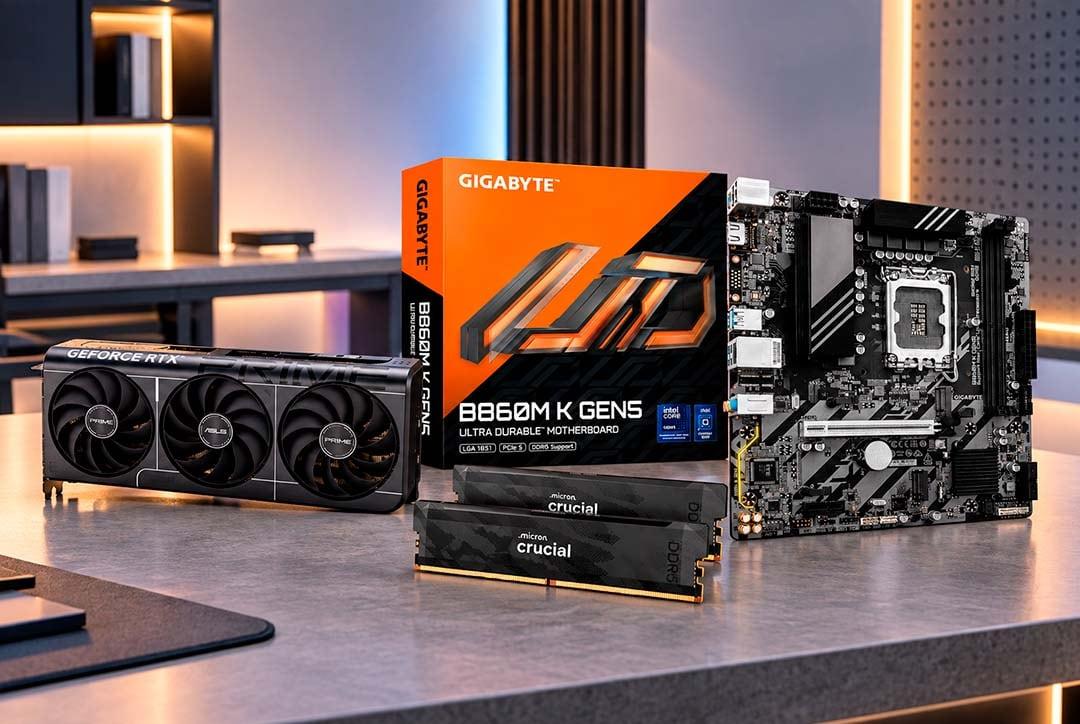
How do you build a compatible component list before quoting?
The most common reason for returns in components is not a defective part but a part that does not match the rest. Before you request a quote, check every configuration you plan to sell:
- Processor and motherboard. The motherboard socket and chipset must match the processor generation.
- Memory. The memory type (for example DDR4 or DDR5), speed and capacity must be supported by the motherboard.
- Storage. Confirm the interface of each SSD and that the motherboard has the slots or ports it needs.
- Graphics card. Check the card's length, the space in the case and the power it requires from the power supply.
- Power supply and cooling. The power supply must cover total consumption with headroom, and cooling must match the processor and graphics card.
Once the list is validated, quote every part of a configuration in the same order. If a part is not available, ask your sales executive for alternatives and validate the compatibility of the whole build again before you confirm.
What should the quote state for selling in the Mexican market?
Beyond the part number and quantity of each line, a quote for Mexico should make clear the details that affect local sales:
- Latin American Spanish keyboard layout for desktops and all-in-ones that include a keyboard.
- Operating system language and edition, since a business customer may require a professional edition.
- Plug type and power supply suitable for Mexico on computers, monitors and power supplies.
- Condition of each line: new or refurbished.
- Destination city, so the ETA shown on the platform matches where you will receive the order.
- Payment method and conditions that apply to your account.
How do you plan a first order that mixes components and desktops?
A first order works best when it is built around the configurations you already know how to sell, not around the whole catalog. A simple way to plan it:
- Define three or four reference builds, for example an entry office computer, a mid-range gaming computer and an upgrade kit of memory and SSD. Quote every part of each build together.
- Add the desktops your business customers ask for, as a batch of identical units of one or two models, so you can offer continuity on the next purchase.
- Group the lines by customer, not by brand, so you know which parts have to arrive together to complete a sale.
- Keep the part numbers that sell as a reference list, so each new quote is easy to compare with the previous one and reorders are simple.
After the first sales cycle, adjust the builds and quantities with what your customers actually bought.
How does PHONIX serve resellers in Mexico without an operation there?
PHONIX is a global B2B sourcing platform specialized in wholesale technology distribution, with more than 20 years in the industry. It has four operations: the United States (Miami, headquarters), Peru (Lima), Colombia (Medellín) and Dubai. It has no offices in Mexico, but it sells worldwide: Mexican resellers are served by the Miami headquarters through international distribution on the PHONIX USA B2B platform.
In practice, that means you buy from a supplier outside Mexico and the goods are imported. Before the first order, confirm with your customs broker the duties, taxes and any requirements that apply to components and computers, and ask your accountant how to document the purchase and the resale. Always compare landed cost, not only unit price.
For a general view of buying from a computer wholesaler from Mexico, including the HP portfolio and the import process, see the guide to computer wholesalers in Mexico. If your business focuses on server and networking projects, see also the guide to the IT hardware distributor.
New or refurbished components and computers?
PHONIX offers new and refurbished products, according to availability in each category and market. New components are the natural choice for custom builds and upgrades, because customers expect sealed parts. Refurbished desktops can serve schools, budget projects and businesses equipping a second office, as long as the customer knows what they are buying.
Treat new and refurbished units of the same model as different products. Ask the quote to state the condition of every line, and ask how cosmetic condition and included accessories are described for refurbished units.
How do you buy from PHONIX from Mexico, step by step?
The process is the same for every PHONIX buyer:
- Register your company on the PHONIX USA B2B platform.
- Validation and B2B access. The team validates the company and enables access to the B2B catalog.
- Explore the catalog and build the order, either with the cart on the platform or with a sales executive.
- Sales order and payment. PHONIX generates and confirms the sales order (SO), and payment is coordinated.
- Dispatch according to availability, destination and logistics conditions.
- Tracking of the order from the platform.
The customer process on the PHONIX USA B2B platform explains each step, and the how to buy at PHONIX page summarizes registration and payment methods. The ETA depends on the destination and availability, and the platform shows it for your order.
How do you pay for components and computer equipment?
PHONIX accepts bank transfer and card, and offers credit lines for qualified clients. Payment conditions depend on each operation, so confirm them with your sales executive when you open your account. Payment is coordinated once PHONIX has generated and confirmed the sales order, which means you pay for a confirmed list of part numbers, conditions and quantities.
If you buy every month, ask early about a credit line. Qualification depends on your company, and having it in place lets you accept a large project from a customer without waiting on your cash flow.
What mistakes cost computer resellers in Mexico the most?
- Ordering components without validating compatibility. A motherboard that does not match the processor stops the whole build.
- Comparing unit price instead of landed cost. Freight, insurance, duties and taxes change what each part really costs.
- Forgetting keyboard layout and plug type. A computer with the wrong keyboard layout is harder to sell.
- Mixing new and refurbished in the same line. Your customer needs to know what they are buying, and so do you.
- Discovering import requirements at the end. Talk to your customs broker before the first order.
Frequently asked questions
Where can I buy computer equipment wholesale in Mexico?
From a B2B distributor that opens accounts for businesses. PHONIX serves resellers in Mexico from Miami: you register your company on the PHONIX USA platform and request a quote in 24 hours.
Which PC components supplier sells to resellers in Mexico?
PHONIX sells PC components, such as processors, graphics cards, memory, SSDs and motherboards, to registered businesses, including companies in Mexico, through international distribution from Miami.
Does PHONIX have offices in Mexico?
No. PHONIX has operations in the United States (Miami), Peru (Lima), Colombia (Medellín) and Dubai, and it serves Mexico from Miami.
Does PHONIX sell components and computers to individuals?
No. PHONIX sells only to businesses: resellers, retailers, integrators, distributors and companies.
How long does an order take to arrive in Mexico?
It depends on the destination, availability and logistics conditions. The platform shows the ETA for each order.
Ready to quote components and computer equipment for your business?
Register your company on the PHONIX USA B2B platform, explore components and desktop computers, and build your first order. If you prefer to start with a conversation, contact the PHONIX team and request a quote in 24 hours.