



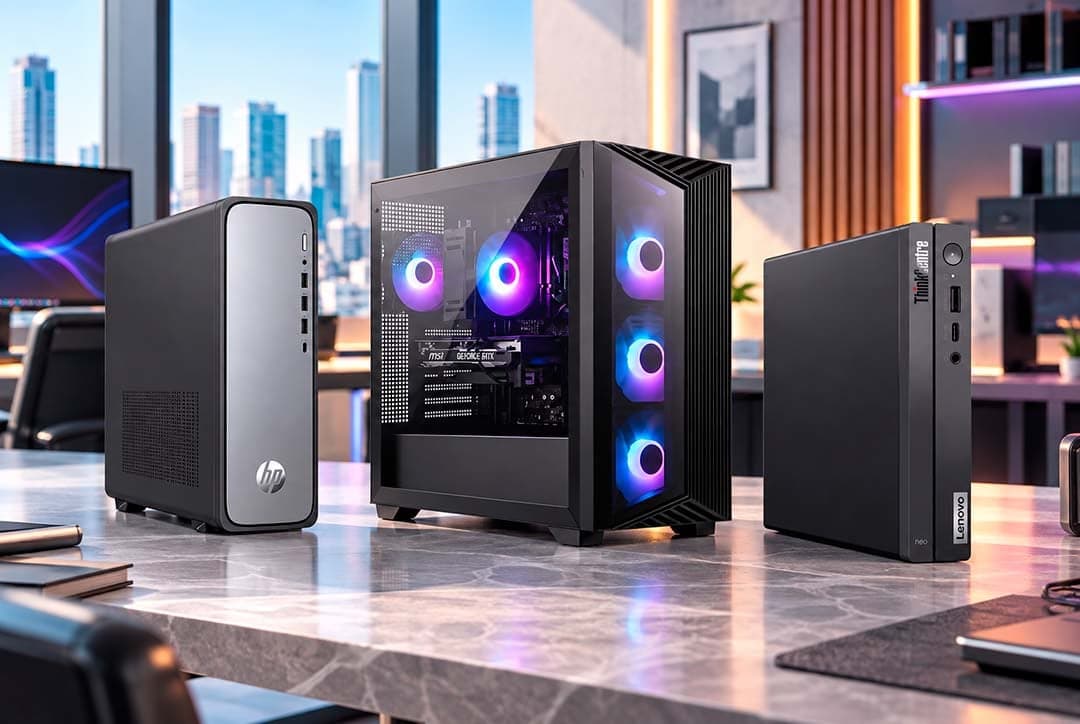
To buy wholesale computers, register your company on a B2B distributor's platform, complete validation and build your order across desktop towers, all-in-ones, workstations, gaming PCs and mini PCs. PHONIX, a global B2B sourcing platform specialized in wholesale technology distribution, lets you request a quote in 24 hours and pay by transfer, card or credit line.
Key takeaways
- Computer wholesalers like PHONIX sell only to businesses: resellers, retailers, integrators, distributors and companies.
- "Desktop" covers five different formats. Choose the format from the end customer's use, then confirm the configuration in the quote.
- PHONIX offers new and refurbished computers, according to availability in each category and market.
- Compare landed cost, not unit price: freight, duties and payment terms change what an order is really worth.
- Every order is confirmed through a sales order (SO), and each platform shows the estimated delivery time for your destination.
Who can buy computers from a wholesale distributor?
Wholesale computer distribution is a business-to-business channel. PHONIX sells only to companies: resellers, retailers, systems integrators, distributors and businesses buying equipment for their own operations. It does not sell to individual consumers. In practice, this means you register as a company, you get access to B2B conditions once your account is validated, and every order is formally confirmed through a sales order.
The companies that source desktops this way usually fall into three groups:
- Resellers and retailers need a range of models they can sell through to their own customers, with clear condition and warranty information on every line.
- Systems integrators need specific configurations for projects, often desktops, monitors and components delivered as one order.
- Corporate buyers need consistent models for their offices, so that the same software image, accessories and support process work on every machine.
Each group asks different questions, but all of them benefit from a single supplier that covers the full desktop range and the components around it.
Which types of desktop computers can you buy wholesale?
"Desktop" is no longer one category. Each format serves a different end customer, and the questions you ask your distributor change with it. These are the formats you will find on the PHONIX USA B2B platform:
| Format | Typical end customer | What to confirm in the quote | Where to browse |
|---|---|---|---|
| Desktop towers | Offices, schools, retail counters, call centers | Processor generation, memory, SSD capacity, operating system edition | Main desktop catalog (link at the end of this guide) |
| All-in-one PCs | Reception areas, shared workspaces, executive offices | Screen size, webcam, ports, mounting options | All-in-one PCs on the PHONIX USA B2B platform |
| Workstations | Engineering, design, video and data teams | Graphics card class, memory capacity, expansion slots, power supply | Workstations on the PHONIX USA B2B platform |
| Gaming desktops | Gamers, gaming venues, content creators | Graphics card, cooling, power supply, upgrade path | Gaming desktops on the PHONIX USA B2B platform |
| Mini PCs and NUCs | Digital signage, kiosks, small desks, meeting rooms | Ports, wireless, VESA mounting, memory and storage upgrades | Mini PCs and NUCs on the PHONIX USA B2B platform |
The PHONIX portfolio includes more than 23 brands, among them HP, Lenovo, Dell, ASUS, Acer, Apple, Samsung, Microsoft, Intel, AMD, MSI, Gigabyte and Alienware. Which models and configurations are available changes with each category and market, so the quote is what confirms the exact models for your order.
How do you choose between towers, all-in-ones, workstations, gaming PCs and mini PCs?
Start from the end customer's work, not from the spec sheet. A reseller that buys the most powerful configuration for every client ties up capital in machines nobody asked for. A reseller that buys only entry models loses the projects that need more.
Desktop towers are the default for offices and education. They are easy to service, easy to upgrade and familiar to IT teams. For corporate buyers, the key question is consistency: can you deliver the same model, with the same configuration, across the whole order?
All-in-one PCs save space and cables, which is why they work well at reception desks, in shared workspaces and in executive offices. Check the screen size, whether a webcam is included and how many ports are available, because an all-in-one is harder to expand later.
Workstations are built for sustained professional workloads: CAD, 3D, video editing, data analysis. Your clients will care about the graphics card, the memory capacity and the expansion options. Ask your client which software they run, and match the configuration to the software vendor's recommended requirements.
Gaming desktops sell on the graphics card and the cooling. They also have the fastest model turnover of any desktop format, so confirm the exact graphics card and processor in the quote rather than relying on a product family name.
Mini PCs and NUCs fit where space is tight: behind a screen for digital signage, at a kiosk, in a meeting room or on a small desk. Confirm the ports and the mounting options, and check whether memory and storage can be upgraded after delivery.
Should you buy new or refurbished desktops for resale?
Both have a place in a reseller's range. PHONIX offers new and refurbished products, according to availability in each category and market.
New desktops suit corporate clients that need full manufacturer support, consistent models across a large rollout and the latest operating system. Refurbished desktops suit buyers who are price sensitive and whose workloads are light: schools, call centers, training rooms, secondary workstations.
Whichever you choose, keep three rules:
- Make the condition explicit on every line. A new unit and a refurbished unit of the same model are different products. The quote and the sales order should say which one you are buying.
- Confirm the warranty in writing. Ask what warranty applies to each line and how claims are handled before you confirm the order.
- Check the operating system license. Business clients usually need a professional edition of the operating system. Confirm which edition comes installed.
Which components should you source together with desktops?
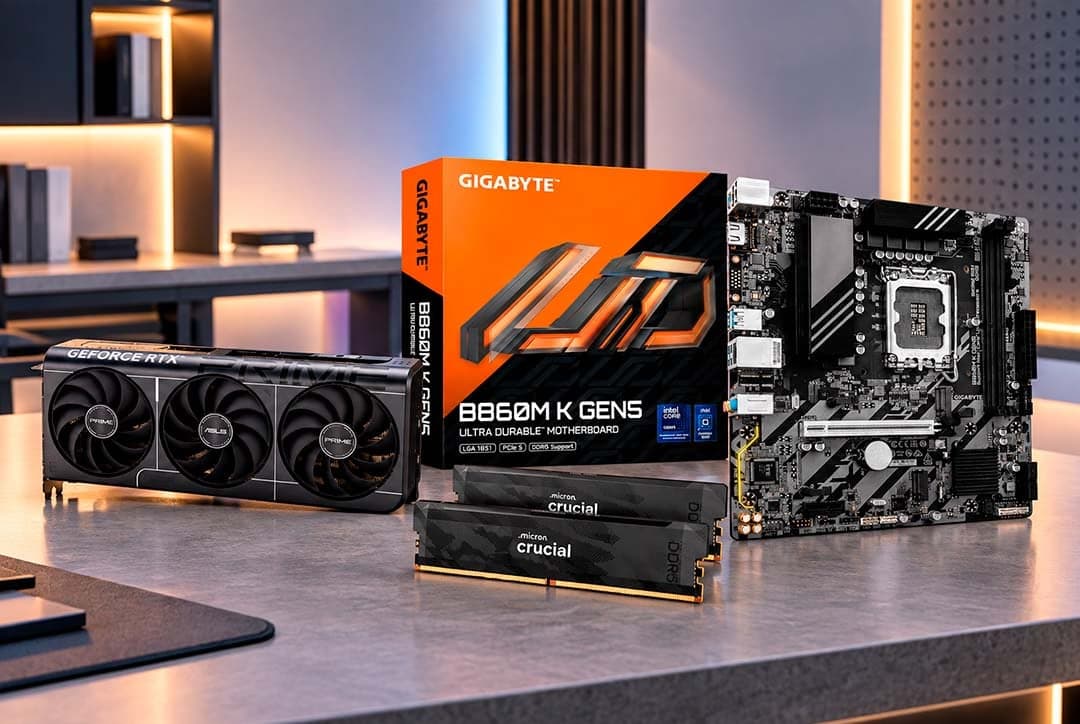
Many desktop orders are not finished when the computers arrive. Integrators add memory, replace storage with larger SSDs or install graphics cards for specific workloads. Gaming resellers often sell upgrades with every machine.
Sourcing those parts from the same distributor keeps the project in one order and one shipment, and makes compatibility easier to check before anything ships. You can browse computer components on the PHONIX USA B2B platform and add them to the same order as your desktops.
If your clients also buy laptops for mobile staff, the same logic applies. Our guide to wholesale laptops for resellers covers the formats and checks for that category.
What should you check before placing a wholesale computer order?
Before you confirm a wholesale order of computers, go through this list:
- Exact model and configuration for each line: processor, memory, storage, graphics and operating system.
- Condition of each line: new or refurbished.
- Language and destination details: operating system language, keyboard layout and power plug type for the country where the computers will be used.
- Warranty terms in writing, per line.
- Landed cost: unit price plus freight, insurance, duties and taxes at destination. A lower unit price can lose against a better total once everything is added up.
- Estimated delivery time (ETA) shown on the platform for your destination. It depends on the country, the destination and availability.
- Payment method and, if your company qualifies, the conditions of your credit line.
How does the B2B buying process work at PHONIX?
The process is the same for a single line of desktops or a mixed project order:
- Register your company on the PHONIX platform for your country.
- Validation and B2B access. The team validates your company and opens your access to B2B conditions.
- Explore the catalog and build your order, either with the platform cart or with your sales executive.
- Sales order and payment. PHONIX generates and confirms the sales order (SO), and payment is coordinated.
- Dispatch according to availability, destination and logistics conditions.
- Tracking of your order from the platform.
The full process, with what to have ready, is on how to buy at PHONIX.
How do you pay for a wholesale order of computers?
PHONIX accepts bank transfer and card payments, and offers credit lines to qualified clients. Payment conditions depend on each operation, so confirm them with your sales executive before your first order. If you plan to buy every month, ask about a credit line early: it lets you match your purchases to your own sales cycle instead of paying for every order up front.
Can companies outside the United States buy desktops from PHONIX?
Yes. PHONIX has more than 20 years in the technology industry and four operations: the United States (Miami, headquarters), Peru (Lima), Colombia (Medellín) and Dubai. It distributes internationally from those operations.
Each operation has its own B2B platform, so you register on the platform that serves your country. For international orders, plan around the total cost and time to your door: freight, customs clearance in your country and the duties that apply to computers there. The platform shows the estimated delivery time for your destination.
Frequently asked questions
Where can I buy wholesale computers for my business?
You can buy them from a B2B technology distributor such as PHONIX. Register your company on the PHONIX platform for your country, complete validation and build your order of desktops, all-in-ones, workstations, gaming PCs or mini PCs.
Can individuals buy wholesale desktops from PHONIX?
No. PHONIX sells only to businesses: resellers, retailers, integrators, distributors and companies. You need a registered company to get B2B access.
Does PHONIX sell refurbished desktop computers?
Yes. PHONIX offers new and refurbished products, according to availability in each category and market. The quote and the sales order state the condition of each line.
How fast can I get a quote for bulk computers?
PHONIX answers quote requests in 24 hours. You can also build the order yourself in the platform cart once your company has B2B access.
Which desktop brands does PHONIX offer?
The PHONIX portfolio includes more than 23 brands, among them HP, Lenovo, Dell, ASUS, Acer, Apple, MSI and Gigabyte. Available models change by category and market.
Ready to source desktops for your clients? Register your company and browse the desktop computer catalog on the PHONIX USA B2B platform, or request a quote in 24 hours from the PHONIX team.