



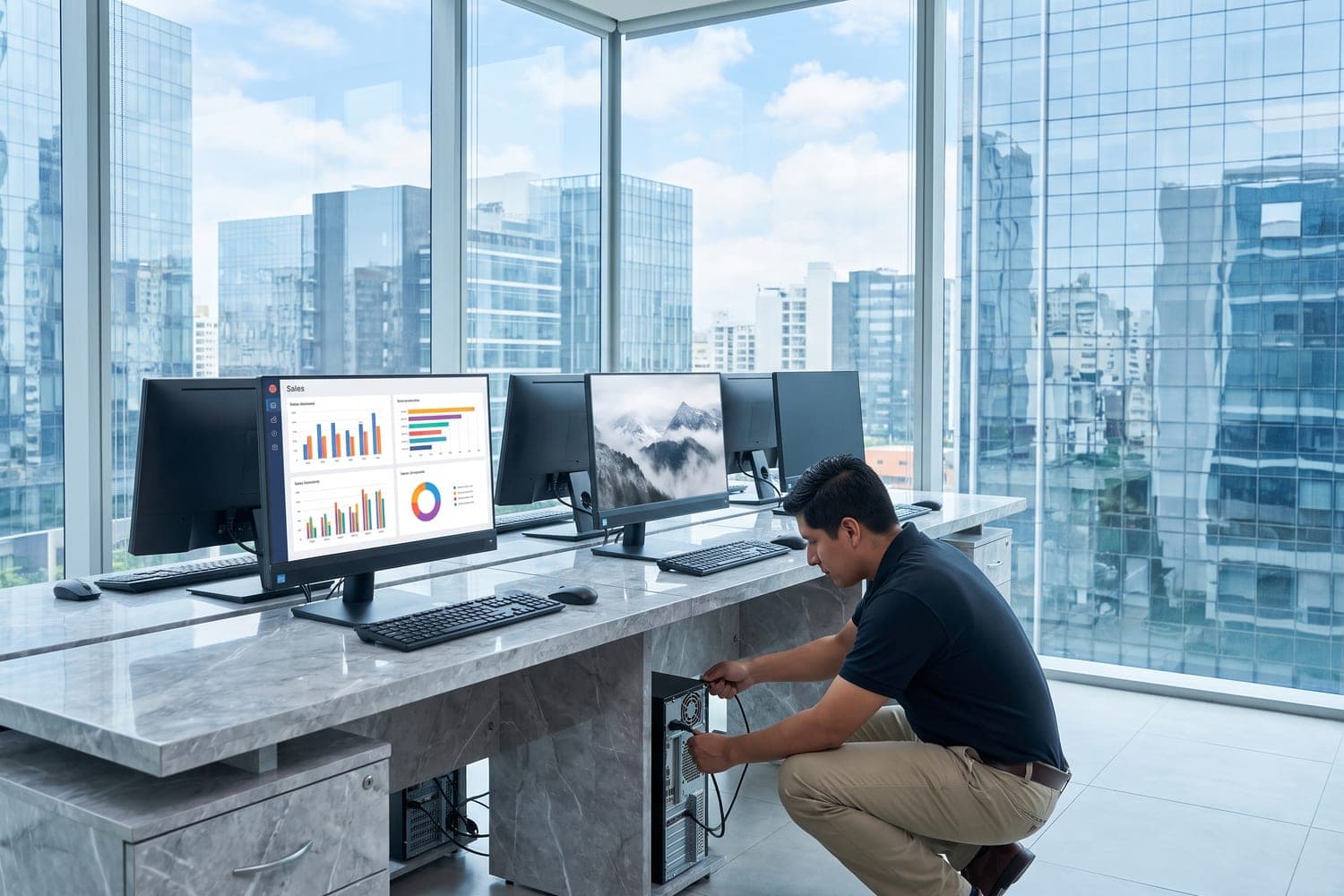
Computer suppliers for businesses in Peru provide desktop PCs, laptops, monitors and components to companies that equip their own staff. PHONIX, a global B2B sourcing platform specialized in wholesale technology distribution, operates in Lima with its own B2B platform: your company registers, gets validated, can request a quote in 24 hours and places its order.
Key takeaways
- A company buying for its own operation needs a B2B supplier: PHONIX sells only to businesses and does not serve individual consumers.
- Organizing the order by job profile (office, mobile staff, technical teams, customer-facing roles) makes every quote precise and comparable.
- PHONIX works with 23+ brands across desktop PCs, laptops, monitors and components, new and refurbished depending on availability.
- Payment can be made by wire transfer, card or a credit line for qualified customers, under the terms of the Peru operation.
- The PHONIX Peru B2B platform shows the ETA for each destination, which matters when your company has sites in Lima and in other regions.
What does a company need from a computer supplier in Peru?
When a company buys computers for its own people, the hard part is not finding a machine. It is equipping dozens of employees with different needs, within an approved budget and in time for the day those people start working. That calls for a supplier that understands corporate purchasing, not a channel built for someone looking for a single laptop at home.
In practice, the purchasing team of a Peruvian company usually expects four things from its computer distributors:
- Clear quotes delivered on time, ready to present to management or finance without being rebuilt.
- A broad portfolio, so one commercial relationship covers desktops, laptops, monitors and replacement parts.
- Business payment terms, including credit when purchases are recurring.
- Delivery visibility, so IT and each site can plan for the arrival of the equipment.
PHONIX is a global B2B sourcing platform specialized in wholesale technology distribution, with more than 20 years in the industry. It has four operations: the United States (Miami, headquarters), Peru (Lima), Colombia (Medellín) and Dubai. Peruvian companies buy through the PHONIX Peru B2B platform, with the Lima operation as their point of contact.
Which computers does each department need?
The most common mistake in a corporate purchase is quoting "computers" in general. Each department uses its equipment differently, and a requirement organized by job profile avoids overspending in one area and falling short in another. Use this table as a starting point:
| Job profile | Typical equipment | What to define in the requirement | Where to browse |
|---|---|---|---|
| Office and administration | Desktop PC with monitor | Processor, RAM, SSD storage, operating system and edition | Desktop PCs on the PHONIX Peru B2B platform |
| Management, sales and staff who work away from the office | Business laptop | Weight, battery, security features, docking station compatibility | Business laptops on the PHONIX Peru B2B platform |
| Design, engineering and data analysis | Higher performance desktop PC | Graphics card, upgradeable memory, storage and number of monitors | Quote by specification, within the same desktop PC line |
| Customer service and points of sale | Compact desktop PC with monitor | Device size, ports for peripherals and screen size | Monitors on the PHONIX Peru B2B platform |
| Internal IT support | Components to upgrade existing machines | Memory, SSD drives and compatibility with the models the company already owns | Components on the PHONIX Peru B2B platform |
The last row is often forgotten. Many times a full replacement is not needed: a memory upgrade or a move to an SSD extends the useful life of the computers the company already has, and IT can request those parts in the same quote as the new equipment.
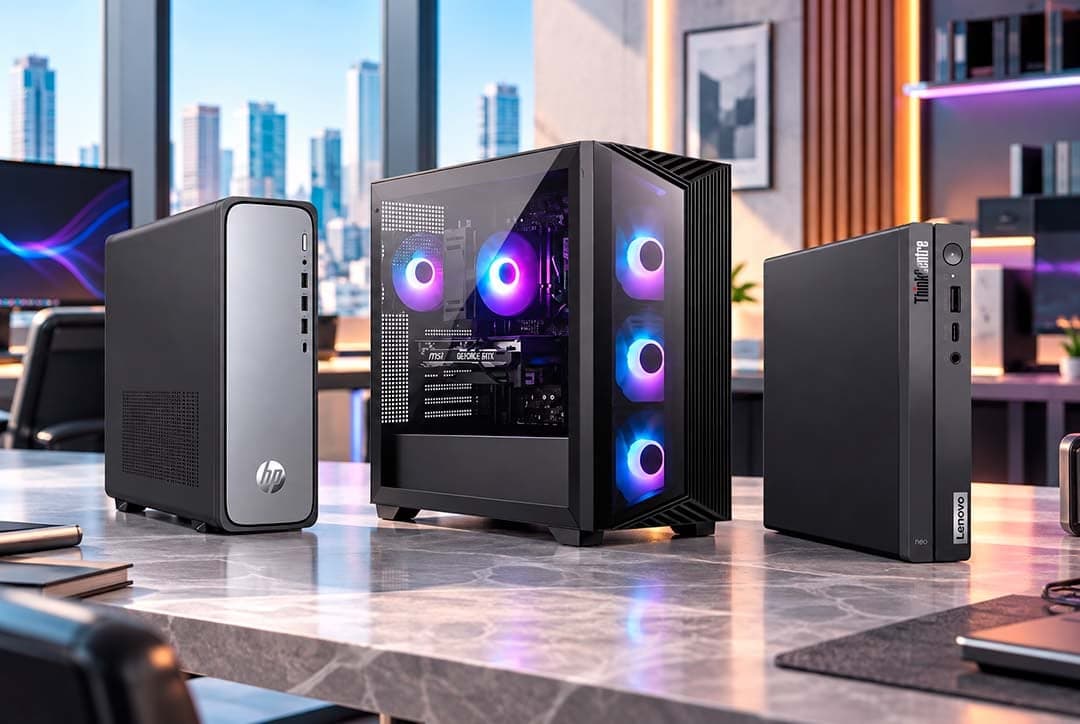
Laptops or desktop computers: which fits each role?
The answer depends on where the person works, not on a general preference. A practical rule:
- Desktop PC for fixed workstations: administration, accounting, customer service and technical areas that need more power or several monitors. Desktops are usually simpler to maintain and to upgrade with components.
- Business laptop for people on the move: management, sales teams, field supervisors and hybrid staff.
When the same role alternates between the office and remote work, a business laptop paired with an external monitor and a docking station on the desk covers both scenarios with a single device.
How do you write a requirement that computer distributors can quote on equal terms?
If two suppliers receive a vague requirement, they send back quotes that cannot be compared. For your purchasing team to compare fairly, the requirement should include:
- Model and part number, or at least the exact minimum configuration for each job profile.
- Full configuration: processor, RAM, storage, screen size and graphics card where relevant.
- Operating system and edition, since many corporate policies require a professional edition.
- Latin American Spanish keyboard layout, so each device arrives ready for its user.
- Condition of each line: new or refurbished.
- Quantities per line, plus the monitors and accessories that go with each computer.
- Destination site for each part of the order, if the company has more than one location.
Asking for the same model across an entire job profile has an extra benefit: IT configures the devices once, support gets simpler and spare parts fit every unit. PHONIX lets you request a quote in 24 hours, so a well prepared requirement quickly becomes a proposal ready for approval.
How do IT, purchasing and finance share the work?
In a midsize or large company, a computer purchase passes through several hands. Each team should know its role from the start:
- IT defines the specifications for each job profile and confirms that the quoted models are compatible with what the company already uses.
- Purchasing builds the requirement, requests and compares the quotes and manages the supplier relationship.
- Finance approves the budget and the payment method, including the option of a credit line.
- Each site confirms who will receive the equipment and checks the order on arrival.
The document that connects all four teams is the sales order (SO) that PHONIX issues and confirms. It records the agreed models, conditions and quantities, so IT, purchasing and finance work from the same information.
How does a company buy on the PHONIX Peru B2B platform?
The process is the same across all PHONIX operations:
- Register your company on the PHONIX Peru B2B platform with your business details, such as the legal name and the RUC (the Peruvian taxpayer number).
- Validation and B2B access. The PHONIX team validates the company and enables access to the catalog.
- Browse the catalog and place the order, through the platform cart or with a sales executive, who also handles your quote requests.
- Sales order and payment. PHONIX issues and confirms the sales order (SO) and payment is coordinated.
- Dispatch according to availability, destination and logistics conditions.
- Tracking of the order from the platform.
What to have ready before you register is explained in how to buy at PHONIX.
Which payment and credit options does a company have?
PHONIX accepts wire transfer and card, and offers credit lines for qualified customers. Terms depend on each operation, so a Peruvian company works under the terms of PHONIX Peru, and the sales executive explains what is needed to qualify.
For a purchasing team, credit has a concrete advantage: it lets the company renew equipment in stages throughout the year instead of concentrating the whole outlay in a single month. If your company plans regular renewals, raise the subject of credit when you open the account, before the first large order.
How do you plan delivery when the company has sites in Lima and other regions?
The estimated time of arrival (ETA) is shown by the platform and depends on the country, the destination and the availability of each product. For a company with offices in Lima and sites in cities such as Arequipa, Trujillo or Piura, that has three practical consequences:
- Check the ETA for each destination before setting the start date of new hires or the opening of a new site.
- Split the order by site in the requirement, so every location knows what it will receive.
- Name a receiving contact at each site, who checks the packaging and writes down any visible damage on the delivery note before signing it.
Each order is tracked from the same platform, which helps IT and every site see the status of their part.
New or refurbished equipment for a company?
PHONIX offers new and refurbished products, according to availability in each category and market. In a company, the choice usually depends on internal policy and on how each workstation is used:
- New for core equipment, areas with strict security requirements, tenders and projects where every device must be identical.
- Refurbished for training rooms, temporary staff, backup workstations or sites with a tight budget, when company policy allows it.
What matters is that the quote and the sales order state the condition of every line, and that IT records that condition in the company's asset register.
What mistakes do companies make when buying computers?
- Quoting without job profiles. One machine for everyone ends up being too much for some people and too little for others.
- Comparing only the unit price. Total cost includes freight, payment terms and the IT time spent configuring different models.
- Forgetting monitors and accessories. A computer without a monitor or the right keyboard does not complete a workstation.
- Committing to dates without checking the ETA. A new employee's start date should not depend on a guess.
- Leaving credit for later. It is easier to qualify before a large renewal than in the middle of one.
For more detail on the PHONIX portfolio and terms in Peru, read the guide to computer wholesalers in Peru. If your IT team is evaluating desktops and workstations, the guide to wholesale computers and desktops also helps.
Frequently asked questions
Who are the computer suppliers for businesses in Peru?
Look for B2B suppliers that sell only to companies, quote quickly and offer credit. PHONIX operates in Lima through the PHONIX Peru B2B platform and serves companies, resellers, retailers, integrators and distributors.
Where can a business buy computers in bulk in Peru?
On the PHONIX Peru B2B platform: you register your company, complete the validation and access the catalog of desktop PCs, laptops, monitors and components with B2B terms.
Does PHONIX sell computers to individuals?
No. PHONIX sells only to businesses and does not serve individual consumers.
Can a company buy computers on credit in Peru?
Yes, if it is a qualified customer. PHONIX offers credit lines in addition to wire transfer and card, and terms depend on each operation.
How fast can I get a computer quote for my company?
PHONIX lets you request a quote in 24 hours. You can ask through the platform, with a sales executive or from the contact page.
How does your company start buying with PHONIX in Peru?
Register your company on the PHONIX Peru B2B platform to access the computer catalog with B2B terms, or request a quote from the PHONIX team with the requirement for your workstations.